SearchFind a store
Support for

Tumble Dryer

Tumble Dryer

Wash2Dry displays dashes --- or No program available

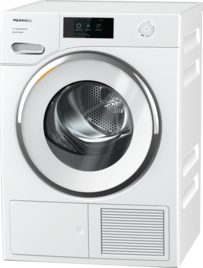
When the Wash2Dry function is selected, the tumble dryer does not display a drying time or a drying program. Depending on the tumble dryer model, the display will show --- (3 dashes) or No program available.

Once the Wash2Dry function has been selected on the tumble dryer, it takes a short time to process the program data from the washing machine. It is normal for the display to show --- (3 dashes) or No program available until all data has been transferred from the washing machine.

Please wait approx. 15–60 seconds after selecting the Wash2Dry function on the tumble dryer.

Do not select any other program on the tumble dryer while you are waiting.

Depending on the model, the tumble dryer automatically displays the appropriate drying program or the drying time once the waiting time has elapsed.

Manual finder

Manual finder

Here you will find the operating instructions for your Miele appliances.
Find your manual
Book a technician

Book a technician

We will happily take your repair booking online.
Schedule a service call
Support 24/7

Support 24/7

Use our contact form to describe your request. Miele Service will get back to you as soon as possible.
Contact us